One calm place to manage every client’s relationship
 By Benjamin Osemwengie
Introducing Hintflow, one workspace for managing client relationships from the first agreement to the next project.
We’re introducing Hintflow, one place to manage your client relationships and the work you do together. It brings clients, projects, notes, tasks, files, contracts, and invoices, schedule into the same workspace, with AI chat to help stay connected.
A client relationship rarely stays inside one document. An enquiry becomes a conversation. The conversation becomes an agreement, then a project with dates to arrange and decisions to remember. Eventually, there is an invoice to send. The client is the same person throughout, even when the information ends up in several different places.
We built Hintflow to give that relationship somewhere to develop, so you can return without assembling the whole story again.
A relationship with room to grow
The client catalogue gives each relationship a starting point. Saved contact and billing details can be reused on new projects and invoices, so another request from the same client can build on the information you already have.
Status, projects, and last activity help you see where things stand. A prospect discussing a first project needs different attention from an active client waiting for the next design. Both belong in the same view of your business.
The client record brings linked projects, contracts, and invoices into view. When someone returns with more work, the previous agreement and the project it covered are still part of that relationship. You have somewhere to look before asking them to remind you.
From an agreement to an invoice
Contracts bring the scope and terms into a document you can prepare, review, and send for signature. They give the project a shared point of reference: what you are doing, what it costs, and what each person has agreed to.
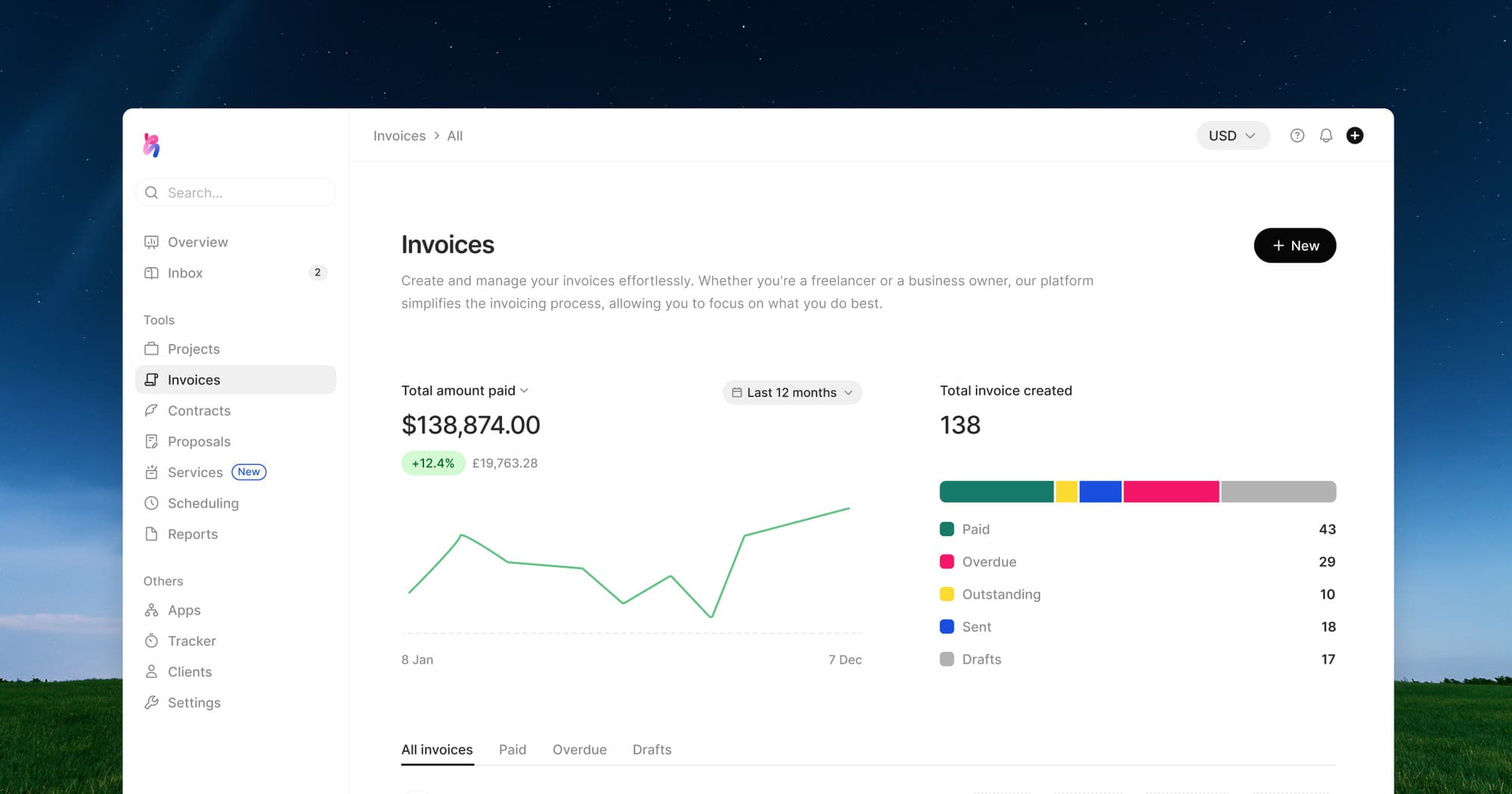
Invoicing carries that work through to billing. Client details, descriptions, amounts, currency, and payment dates turn the agreement into something the client can recognise and act on. The invoice sits in the same workspace as the project it belongs to.
The client can view the invoice and download a PDF. When a question comes back about a charge, the contract, project, and invoice are all within reach. You can return to what was agreed without reconstructing the project from memory.
An AI agent for the next step
AI chat gives you another way to begin. You can describe the contract or invoice you need, provide the relevant details, and work through a draft. The agent can also help create projects, tasks, and notes, turning the next piece of client work into something you can develop.
The draft opens beside the chat, keeping the conversation close to the result. You can read, clarify, and revise while the details are in front of you. Your judgment stays part of the work, including the decision about when it is ready to share.
When a client comes back with more work, we want you to be able to begin with the relationship you have already built.